Graduate Studies and Research
Changing the World, Together
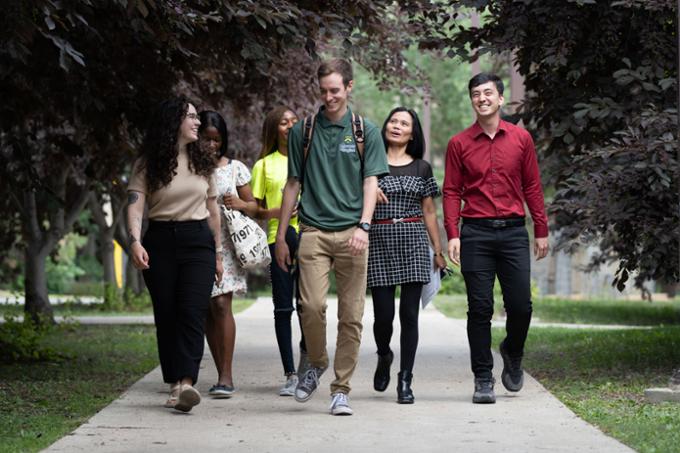
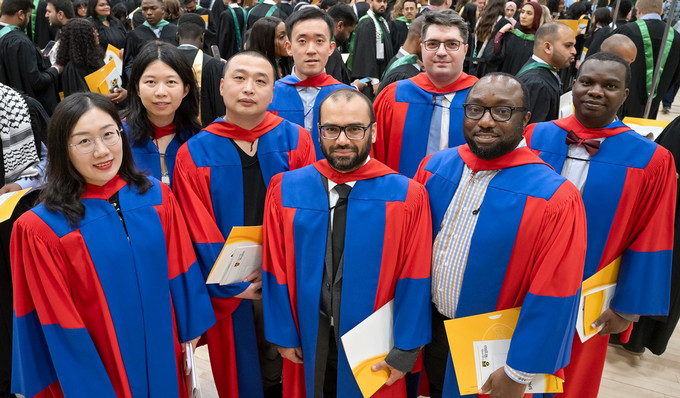
The University of Regina has a long history of producing successful graduates. Our grads are creators, innovators, problem solvers and big thinkers.
We are proud of our innovative programs for professional and academic careers. We offer more than 50 Master’s, 20 Doctoral and 13 graduate certificate programs. We currently lead Canadian comprehensive universities in research impact and international research collaboration, and we’ve emerged as a centre of excellence on a number of research fronts.
Graduate students enjoy great access to professors and opportunities for one-on-one mentorship. Combine that with an exceptional collection of student support services and you find a great environment to pursue your graduate work.
Our holistic approach to graduate education through offers student-centred experiences in an academically nurturing environment that prioritizes: professional skills development, inclusive programming, experiential opportunities and global engagement.
You can check out FGSR's highlights over the past year in our Journey magazine.
Student Hub

Scholarship and Funding Opportunities
With over 10 million dollars in scholarships awarded to our students every year, the U of R is ready to support you in financing your graduate education. Minimum guaranteed funding for PhD students began in Fall 2025.
URGradExperience
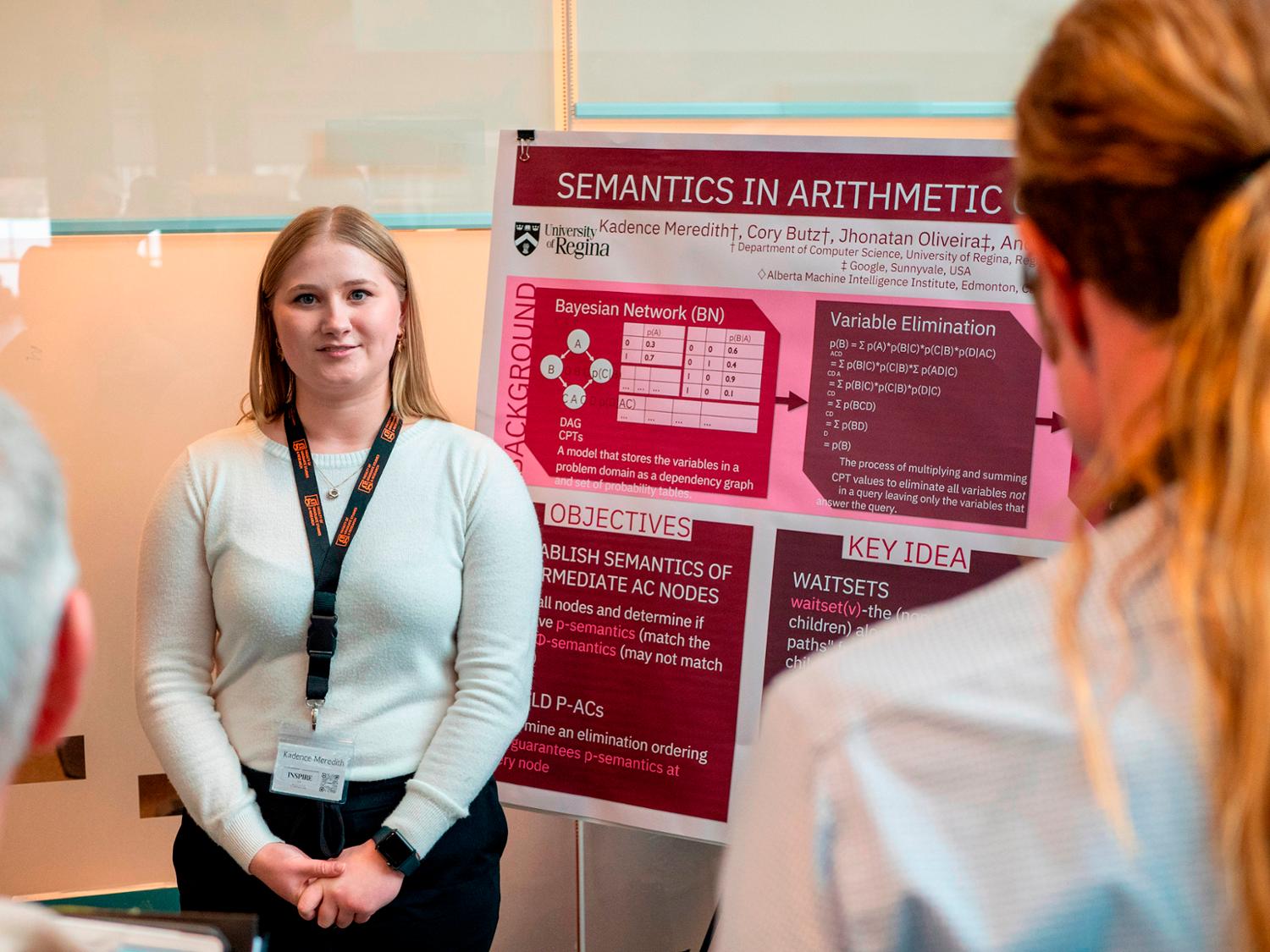
FGSR provides numerous professional development opportunities, chances to network with other students and events that allow students to showcase their hard work.
Join Us!
Summer Research Institute (SRI)
Empowering Undergraduate and Graduate Researchers
The FGSR Summer Research Institute is a professional development initiative designed to support and inspire emerging researchers at the University of Regina.
Running from May through August, this institute offers a series of interactive workshops and training sessions focused on key research skills, academic integrity, communication, and the responsible use of emerging tools like AI. Open to both undergraduate and graduate student researchers, the Summer Research Institute is your opportunity to strengthen your academic foundation, connect with the research community, and prepare for future studies or careers.
Join us for SRI and take your research to the next level.
Visit the Summer Research Institute for all program information and to register for the events!
Upcoming Events
Our Alumni

Amy Richter, Postdoc in Environmental Systems Engineering '25
Assistant Professor of Environmental Systems Engineering, UR
The University of Regina (UR) has been a great place for me to carry out research and gain professional and practical experience. As a graduate student and post doc, I loved getting to come to the university every day because I knew the work I was doing was making important contributions. I was given the opportunity to carry out my own research, while also being involved in many other projects at the University. I also had the opportunity to work with and mentor an amazing group of graduate students. I am so lucky to be coming back to the University of Regina, and can’t wait to see what we can achieve, together.
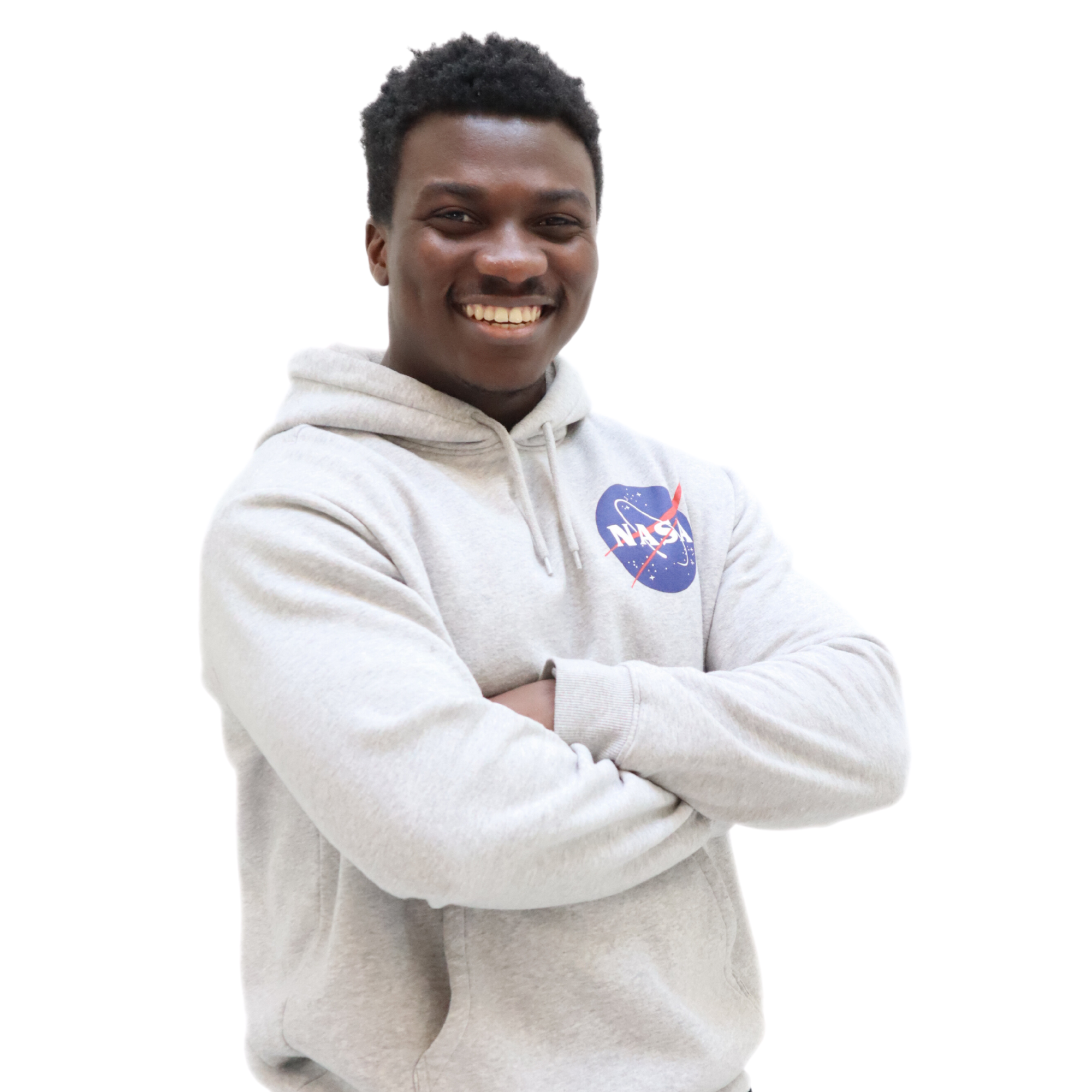
David Akinmade, MSc. in Computer Science '23
AI Engineer, Precision AI
"I enrolled at the University of Regina with the singular focus of becoming a data science professional and at the university, I found several opportunities for learning and growth in the form of co-op internships and discovery camps. The experience was not without its challenges, but I was always able to find friends and fellow members of the academic community to lean on for support and advice while studying in the warm-hearted and beautiful city of Regina."

Sarobidy Razafimahatratra, PhD in Mathematics '22
President's Distinguished Graduate Student Award
"The University of Regina was the perfect environment for me to mature as an academic researcher and to learn from the people around me."

Merelda Fiddler-Potter, PhD in Public Policy '22
Vanier Scholar, Senior Advisor - Treaty - Métis Nation
"Working on my PhD was a dream that was finally realized at the U of R. From my supervisor to my department to the librarians and research facilities, I was so well-supported I was able to finish in just four years. They also ensured I knew about every scholarship and grant I was eligible for and emailed to check in, too. It's a great school, and because it is smaller, you won't feel like a number, you'll feel like a valued member of their research community."
Linh Tran, PhD in Biology '22
Radiochemistry Technician, Life Sciences Division, TRIUMF
Amy Richter, PhD in Environmental Systems Engineering '21
Senior Waste Management Coordinator, Government of Saskatchewan
"During my tenure as a graduate student at the University of Regina, I was fortunate to receive more than 30 scholarships valued at $170,000. Support from the Faculty of Graduate Studies was instrumental to my success."