University Communications and Marketing
University Communications and Marketing is committed to ensuring that our collective efforts are channeled effectively to support the University's Vision, Mission and Values, as stated in the University's 2020-2025 Strategic Plan.
The unit provides expertise to faculties, service and academic units, and research centres and institutes. We also provide support to the President’s Office and the executive branches of the University.
Our Activities
Working with all of these groups, University Communications and Marketing undertakes a variety of activities aimed at building the University’s reputation in the community. These activities include:
- internal and external promotion
- advertising
- media relations
- media training and interview preparation
- web communication services
- research communication services
- visual identity and branding
- social media and digital outreach
- photography and videography
Our Commitment
We are committed to developing the University’s reputation for scholarship and research excellence by promoting it as an institution engaged in scholarly work that is vital to the local, provincial, national and global community.
Contact Us
University Communications and Marketing
110 Paskwāw Tower
3817 Sagittaire Lane
University of Regina
Regina, Saskatchewan S4S 0A2
Reception: 306-585-5282
Office Hours
Monday to Friday
8:15 a.m. to Noon and 12:45 to 4:30 p.m.
Closed on holidays
Connect
Sharing the U of R Story
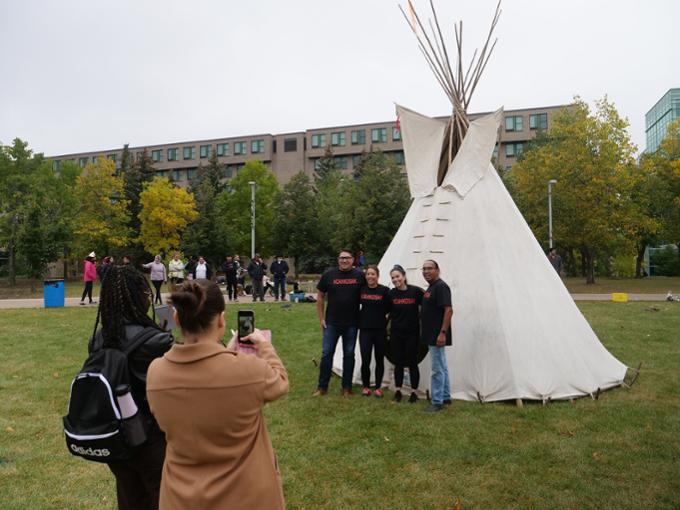
- We share stories that highlight the U of R experience on our Feature Stories hub.
- Media can find official University of Regina news releases, media advisories, backgrounders, and statements in our Newsroom.
- Check out our first podcast, Go Far Together: The Podcast, and meet some of the University's brightest thinkers.
Learn All About It!
Two Magazines - One Great Read

Degrees Magazine
In Degrees Magazine you'll read about our alumni and friends making a difference in business, health care, the arts, education, engineering, science, public policy, and journalism (to name a few) in communities large and small in Canada and abroad.
Discourse Research Magazine
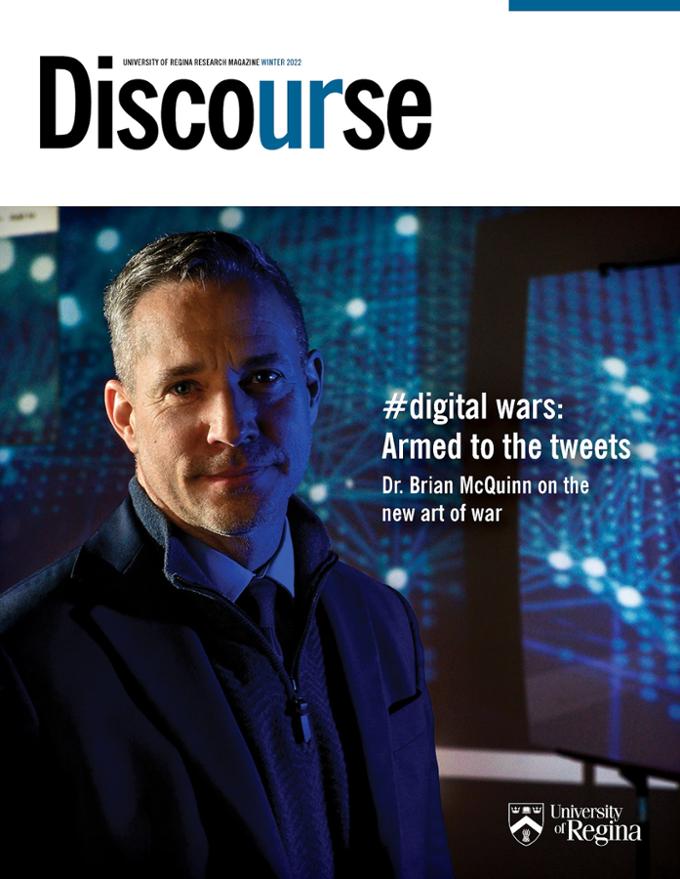
Discourse showcases the breadth and depth of research at our University – conducted by researchers who embrace the challenge to make a big impact in the lives of Canadians, as well as in the lives of others around the world.
Media Relations
Media outlets regularly contact the University requiring an interview on behalf of the University of Regina, or seeking third-party, expert commentary that will add depth and context to a news story.
Contact Mindy.Ellis@uregina.ca or go through university.communications@uregina.ca if you require assistance for:Social Connections
University Communications and Marketing oversees the University's social media policy and manages several institutional social media accounts. We invite and encourage students, faculty, and staff to get in touch with our social media team for tips, tools, and strategies for using social media effectively to promote the University of Regina.

Visual Identity and Brand

Go far, together
University Communications and Marketing manages and supports the correct application of the University of Regina’s visual identity. Maintaining a strong and consistent visual identity helps increase recognition, respect and awareness of the University and projects its reputation for excellence in education. External organizations, including organizations the University of Regina has formal partnerships, sponsorships, or relationships with, wishing to use the University of Regina brand, design elements, or logo/graphic elements must seek permission from University Communications and Marketing.

Film and Photo Shoots on Campus
We work with Hospitality Services to assist external groups and student groups that want to film or set up photo shoots on campus. We are guided by Filming/Photography on Campus policy (GOV-020-020).
Emergency Communications
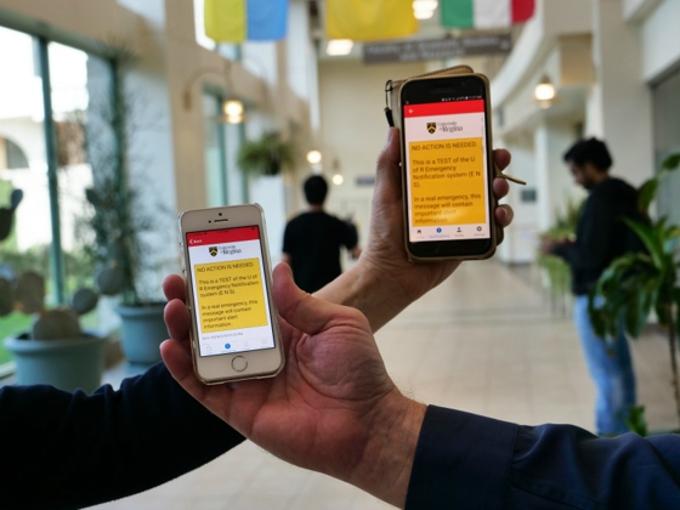
University Communications and Marketing is an essential part of emergency planning and communications at the U of R. The University uses various channels such as the Emergency Preparedness website, social media, media relations, campus email, and Emergency Notification System (ENS) hallway beacons to communicate emergency information widely and quickly. Students, faculty, staff, alumni and visitors to campus are encouraged to download the Alertus App to receive emergency notifications on their mobile device.